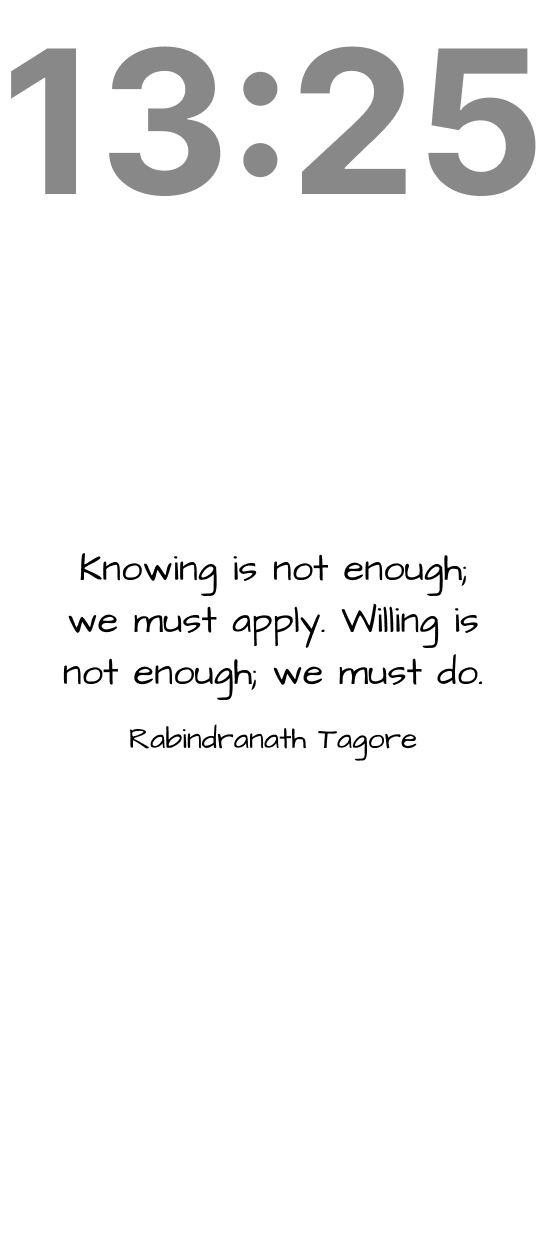

Words on your photo
Keep the picture you love, and meet a new famous quote every morning
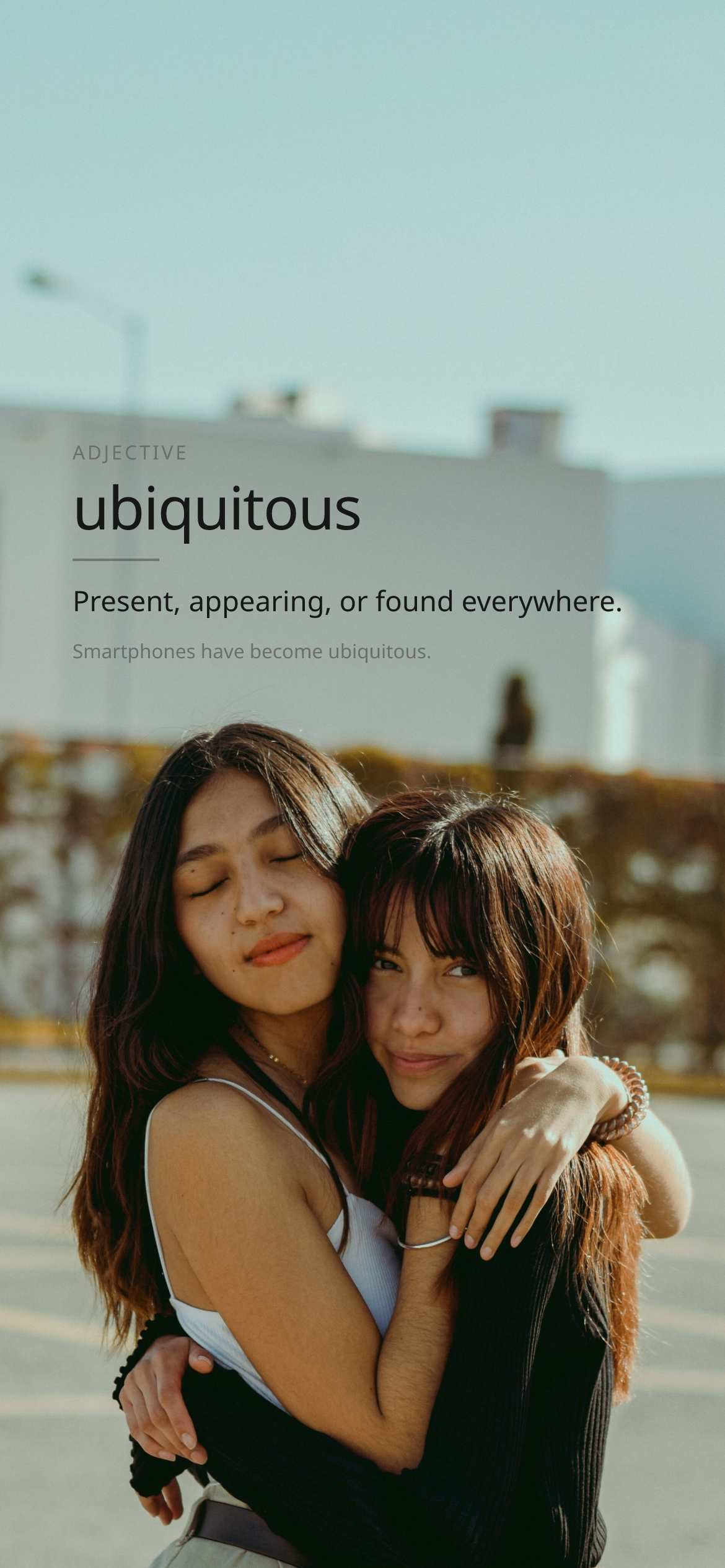
Learn without trying
A fresh English word each day, at your level, right where you already look
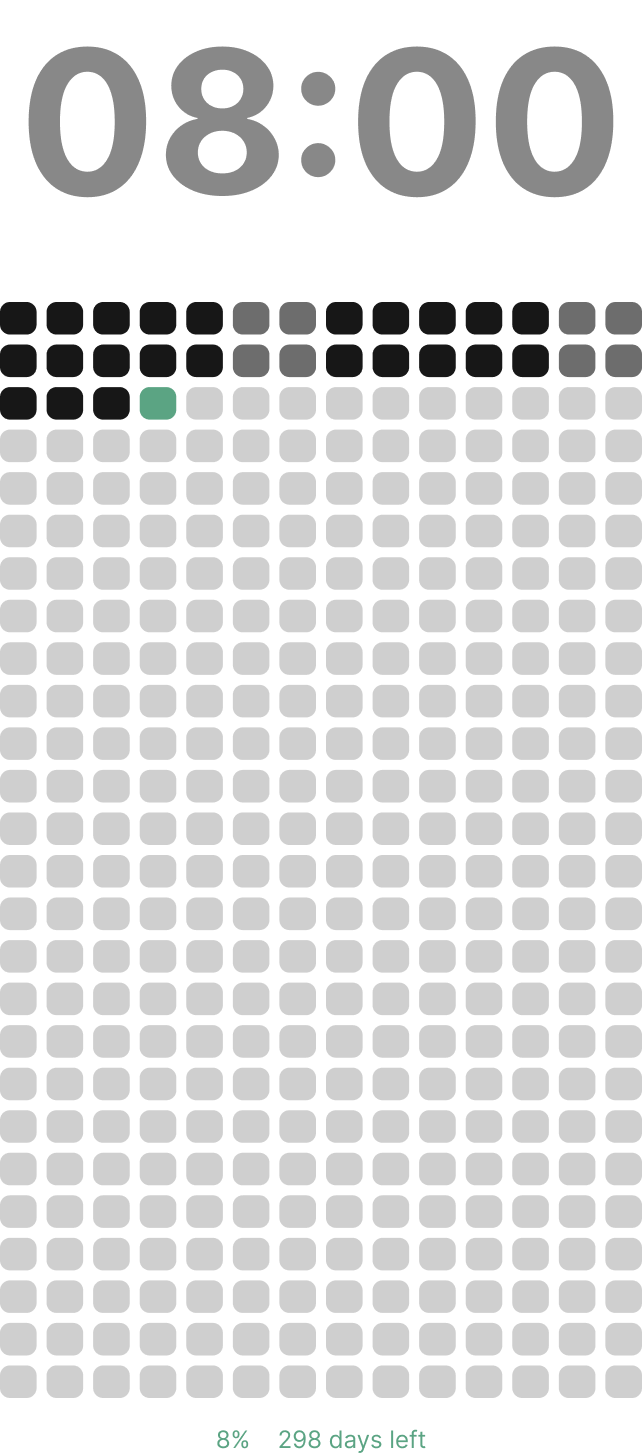
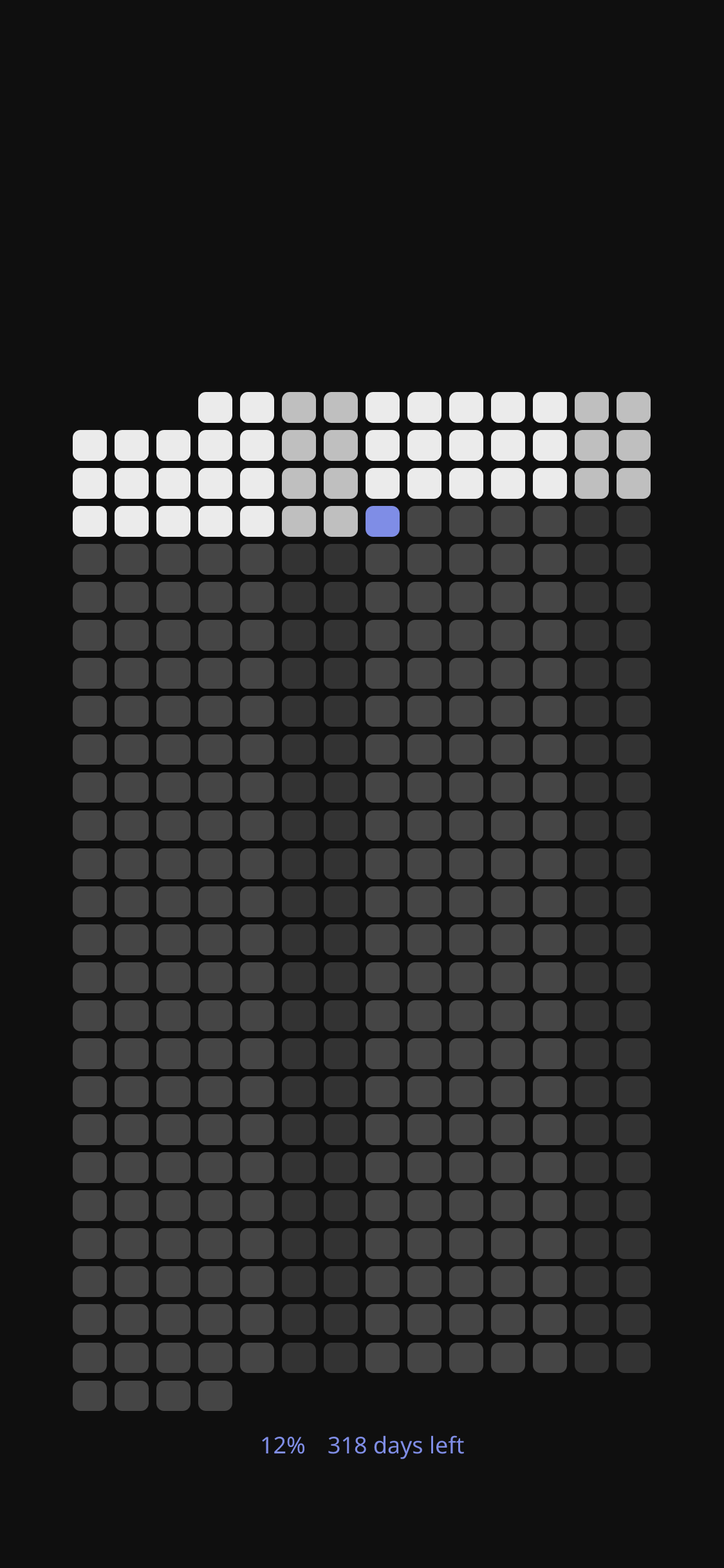
Feel the year move
Watch the days fill in so “I’ll do it later” has nowhere to hide
More on the way
New wallpapers and ways to make your lock screen yours
Pick something worth looking at
Peek at the collection, then make one yours.
See them all

Four steps. Then it runs itself.
How it works
You don’t need to be “into Shortcuts.” We explain everything in plain language, once. Then your wallpaper keeps itself useful. Read the full setup guide.
- 01
Buy an access code
Subscribe to one wallpaper for a year. After checkout we email you an access code, that’s your key; no username or password to remember.
- 02
Pick your customizations
On that wallpaper’s page, set your iPhone version, timezone, colors, and layout. Add your own photo if your plan includes it. Everything saves to your access code.
- 03
Set up the Shortcut once
We walk you through Apple Shortcuts (a tiny recipe that fetches your wallpaper). Never used Shortcuts? No problem, we explain how to set it up in plain language.
- 04
Tap the daily notification
Each day the Shortcut app notifies you. One tap runs the Shortcut and refreshes your lock screen. Shortcuts will ask you to tap “Allow” every time — that is normal; Apple wants you to confirm before changing your wallpaper.